
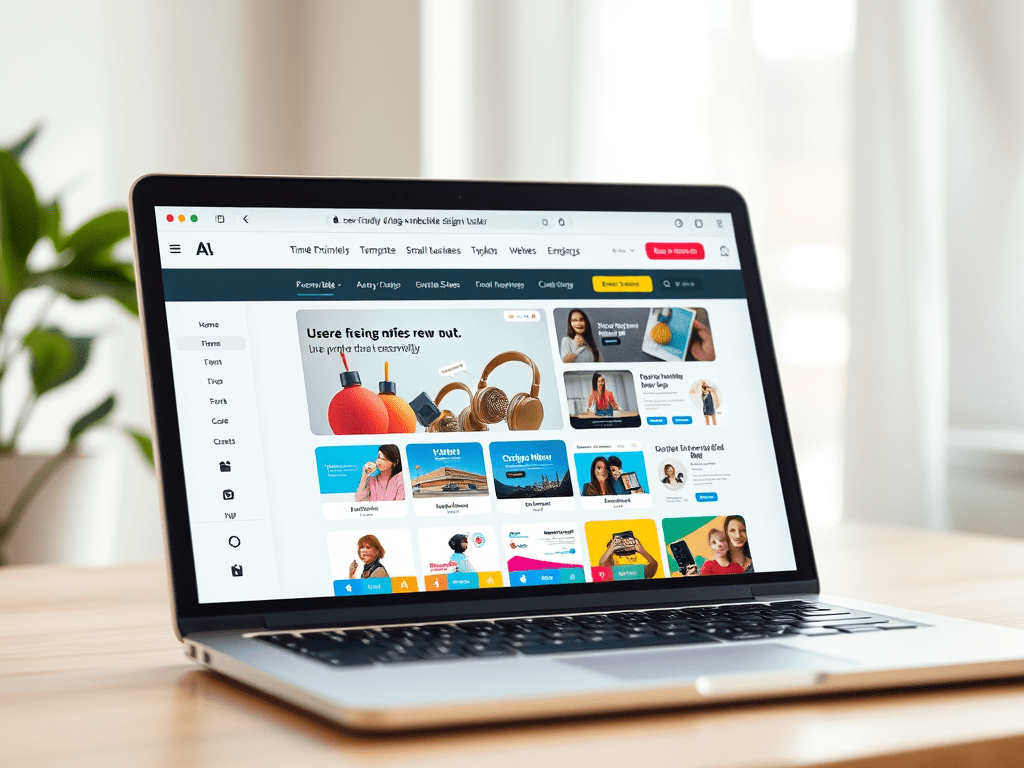
Starting your first website can feel overwhelming. With so many platforms out there, how do you know which one is right for you, especially if you’re not a designer or developer?
In this guide, we’ll break down what makes a website builder easy for beginners, explore the top options on the market in 2025, and help you make a confident decision. Whether you’re launching a personal blog, small business, or online store, we’ll show you how to get started without stress, and without spending a fortune.
What Makes a Website Builder Beginner-Friendly?
Here are the most important traits that make a builder easy to use for newcomers:
- No coding required
- Drag-and-drop design tools
- All-in-one platform (hosting, security, support)
- Professional templates
- Clear pricing with no hidden fees
- Good onboarding tutorials and support
You should be able to go from zero to live site in under a day, and update your content easily without hiring help.
A Brief History of Website Builders
In the early 2000s, launching a website typically meant hiring a developer, purchasing hosting, configuring DNS settings, and building from scratch using HTML or Dreamweaver. It was technical, expensive, and slow.
That changed in the late 2000s with tools like Wix, Weebly, and Squarespace, which brought drag-and-drop site building to the masses. These platforms simplified design, bundled in hosting, and offered pre-built templates so anyone could launch a site quickly.
Then came WordPress.com — offering the power of WordPress with the convenience of a hosted solution. Instead of needing to install WordPress from WordPress.org and configure hosting, users could create a free site instantly on WordPress.com. Over time, it evolved into a powerful, all-in-one platform with eCommerce, support, and advanced features.
Now in 2025, the landscape is more beginner-friendly than ever, but only a few platforms truly deliver a great experience for new users.
The Top 3 Easiest Website Builders for Beginners
1. WordPress.com – Best Overall for Beginners and Growth
Why it’s easy: WordPress.com handles all the tech (hosting, security, updates) for you. You get access to world-class design tools, a visual editor, and pre-installed features like blogs, payments, forms, and SEO — all without coding.
Why we recommend it: You can start with a free site, but the Starter ($9/mo) or Business Plan ($25/mo) unlocks more flexibility, eCommerce, and premium templates. It also future-proofs your site if you decide to scale.
What makes it ideal for beginners:
- Everything is in one place, from hosting and SEO tools to backups and security
- Easy access to expert support, including live chat and email
- Professional features without the overwhelm, like blogging, ecommerce, newsletters, and analytics
- Scales with your growth — even if your site becomes a corporation, you can stay on the same platform
- No need to migrate hosting or install anything, just log in and build
Pros:
- All-in-one hosting, design, security
- Built-in blog, contact forms, SEO, analytics
- Thousands of beautiful themes
- Great support and onboarding
- Scales up easily as your needs grow
Cons:
- Advanced features like plugins require a paid plan
- Slight learning curve with some settings
👉 Start with WordPress.com (Recommended for beginners with room to grow)
Beginner Experience Example:
“I started my personal blog on WordPress.com after trying a few other platforms that confused me. It took me just one weekend to launch everything, and I felt completely supported the whole time. Even when I added a shop later, it just worked.” — Laura P., lifestyle blogger
2. Wix – Fast Design and Visual Control
Why it’s easy: Wix is extremely visual. You drag blocks into place and tweak your design live. The templates are flexible and there’s an AI option that builds your site based on a quick quiz.
Best for: Creatives, photographers, or users who want to heavily customize layout without coding.
Pros:
- 800+ templates
- Built-in animations, image effects
- Fast onboarding
- Good app marketplace
Cons:
- Can get cluttered with too many options
- Template switching is limited
- Slightly slower loading speeds than WordPress.com
3. Squarespace – Beautiful, Polished Templates
Why it’s easy: Squarespace offers stunning modern templates and an intuitive block editor. It’s great for artists, freelancers, and service providers who want a clean site fast.
Best for: Portfolios, local service businesses, consultants
Pros:
- Polished designs
- Excellent image galleries
- Scheduling tools and eCommerce support
- All-in-one platform
Cons:
- Less flexible than WordPress.com
- No free plan (only a 14-day trial)
- Pricing starts at $16/mo
Honorable Mentions
- GoDaddy Website Builder – Extremely fast to launch, but very limited flexibility
- Hostinger Builder – Budget-friendly, includes AI tools, good for ultra-simple sites
- Weebly – Good for basic sites, but outdated compared to modern builders
Why We Recommend WordPress.com for Beginners
While Wix and Squarespace are solid, WordPress.com hits the sweet spot between ease of use and long-term potential. It’s perfect for beginners, but also ready to support blogs, eCommerce, and growth as you level up.
With one login, you get:
- Hosting and domain management
- SEO and Google tools built in
- Secure backups and protection
- Thousands of themes
- Built-in blog and newsletter tools
- Access to expert support anytime
You don’t need to ever worry about switching platforms, migrating hosting, or dealing with tech issues as your site grows — WordPress.com grows with you.
👉 WordPress.com vs. WordPress.org — understand the difference and why WordPress.com is ideal for beginners
Step-by-Step: How to Launch Your First WordPress.com Site
- Sign up for a free account at WordPress.com
- Choose a template that fits your site goal – blog, business, portfolio, or store
- Pick a name and domain – you can use a free subdomain or register a custom one
- Add your content – photos, text, videos, contact info
- Publish – with one click your site is live
- Upgrade if needed – add your own domain, remove ads, or unlock eCommerce tools with a Starter or Business plan
Common Questions Beginners Ask
“Do I need to know coding?”
Not at all. Builders like WordPress.com, Wix, and Squarespace are completely no-code. You’ll use visual editors to drag and drop blocks, add images, write text, and publish.
“Is free good enough?”
A free site is fine to start, but usually comes with limits: no custom domain, platform ads, and limited storage. Paid plans remove these and offer more features.
On WordPress.com, the Starter Plan ($9/mo) is great for personal sites, while the Business Plan ($25/mo) lets you add plugins, themes, and even WooCommerce.
👉 Explore WordPress.com pricing
“What’s the best option for a small business?”
If you want a site that can grow with your business, go with WordPress.com Business Plan. You’ll get the ability to:
- Accept payments
- Create contact or booking forms
- Add email marketing tools
- Install advanced SEO plugins
- Use premium support
- Scale without needing to upgrade hosting
Small Business Testimonial:
“I run a handmade goods shop from home and needed something easy that also looked professional. WordPress.com made everything super intuitive, and when I grew my traffic, I didn’t have to move to a new host or platform, it just scaled with me.” – Jordan M., Ft. Worth TX
Final Thoughts: Keep It Simple, But Start
If you’re just getting started, the easiest website builder is one that removes distractions and gives you the tools to launch today.
We recommend:
- Start with WordPress.com if you want a beginner-friendly tool with serious long-term power
- Wix if you’re more focused on visual creativity
- Squarespace if you want clean, high-end templates out of the box
No matter what you choose, getting your first site live will unlock clarity, confidence, and momentum for your next move.
👉 Start your site with WordPress.com now and grow it as far as you want.
 AH Web Works
Leave a reply to Snehasish Nayak Cancel reply