
Last Updated April 10, 2026
For photographers, your website is more than a portfolio. It’s how clients discover your work, evaluate your style, and decide whether to reach out.
A good photography website needs to do two things at once. It has to look visually impressive, and it has to load fast, work on mobile, and show up in search results.
That’s where choosing the right website builder matters.
Many photographers start with whatever platform looks easiest, only to run into limitations later with SEO, customization, or performance. Switching platforms after you’ve built your portfolio can be time-consuming.
In this guide, we’ll break down the best website builders for photographers in 2026, what to look for, and which platforms actually hold up as your work and business grow.
In most cases, the best builder for photographers is the one that balances visual quality with performance and long-term flexibility.
Most photographers don’t need more features. They need the right foundation.
Quick Answer: The best website builder for photographers in 2026 is WordPress.com for most users. It offers the best balance of design quality, performance, SEO tools, and long-term flexibility. Platforms like Squarespace and Wix are easier to start with, but many photographers eventually outgrow them due to limitations in customization, scalability, and search visibility.
Table of Contents:

Why Your Website Builder Choice Matters More Than You Think
Most photographers don’t think much about their website platform at the beginning.
They choose something that looks good, upload a few galleries, and move on.
The problem shows up later.
As your portfolio grows and you start relying on your site for bookings, SEO, or sales, the limitations of your platform become much more noticeable. Pages load slower, customization feels restricted, and making changes takes more effort than it should.
At that point, switching platforms becomes difficult.
You have content, images, SEO value, and client workflows already tied into your site. Moving everything over is possible, but it takes time and often creates disruptions along the way.
That’s why the initial choice matters more than it seems.
Your website builder affects:
- How your images load and display
- How easily clients can contact or book you
- Whether your site appears in search results
- How much control you have over layout and branding
- How much time you spend maintaining your site
A platform that works well early on should also support you as your business grows.
What Photographers Need from a Website Builder
Photographers need more from a website builder than most other users.
It’s not just about creating pages. It’s about presenting visual work in a way that builds trust, loads quickly, and leads to real inquiries or bookings.
A strong photography website needs to balance design and performance at the same time.
Here are the features that matter most.
Visual Presentation
Your images are the centerpiece of your site.
A good builder should support:
- High-quality image display without heavy compression
- Clean gallery layouts that highlight your work
- Fullscreen and mobile-friendly viewing
If your photos don’t look sharp and load smoothly, everything else matters less.
Performance and Speed
Photography sites tend to use large image files.
Without proper optimization, this can slow down your site and hurt both user experience and SEO.
Your builder should handle:
- Image optimization
- Fast loading speeds
- Reliable hosting infrastructure
Mobile Experience
Most visitors will view your site on a phone.
Your galleries and pages should:
- Load quickly on mobile
- Resize images properly
- Keep navigation simple and accessible
A poor mobile experience can cost you potential clients.
SEO and Discoverability
A portfolio only works if people can find it.
Your website builder should make it easy to:
- Optimize page titles and descriptions
- Add image alt text
- Publish blog content
- Create location-based pages
This is especially important for photographers who rely on local search traffic.
Ease of Use
You should be able to update your site without friction.
Adding new galleries, editing pages, or publishing blog posts should feel simple, not like a technical task.
Room to Grow
As your business expands, your site may need to support:
- Blog content
- Booking forms
- Online sales (prints or digital products)
Choosing a builder that can scale with you avoids needing to rebuild your site later.
The best website builder for photographers is not just the one that looks good at launch. It’s the one that continues to work as your portfolio and business grow.
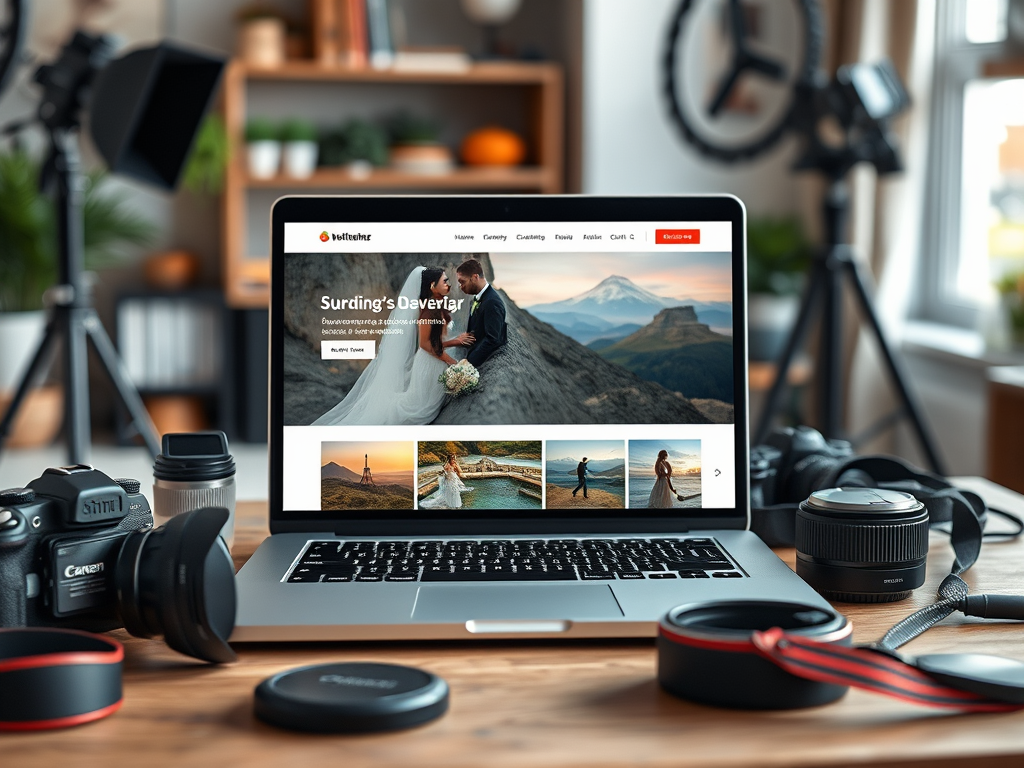
Showcase Your Photos with Stunning Aesthetic Displays
WordPress.com offers a library of professionally designed themes built specifically for visual portfolios.
For example:
- Orvis: A minimalist portfolio that keeps the focus on your imagery
- Hamilton: Ideal for editorial-style layouts with large featured images
- Rebalance: Clean and modern, designed for gallery-heavy sites
- Veni: Well-suited for combining photography with blog content
All of these themes are fully responsive and customizable without code. You can adjust fonts, colors, layouts, and even use full site editing on higher-tier plans.
Flexible Gallery Display Options
Photographers are not limited to a single layout style.
WordPress.com supports:
- Masonry and tiled grids
- Carousel and lightbox slideshows
- Fullscreen image displays
- Side-by-side image and text layouts
- Password-protected galleries for client access
This allows you to present different types of work in ways that match the project, whether it’s weddings, portraits, commercial shoots, or personal work.
Because these features are built into the platform, you don’t need third-party plugins to create professional galleries.

Visual Quality Without Performance Tradeoffs
A common issue with photography websites is balancing image quality with performance.
WordPress.com is designed to handle high-resolution images without slowing your site down. Built-in optimization and content delivery systems help ensure that galleries load quickly while maintaining visual clarity.
Unlike platforms that rely heavily on external integrations or compress images aggressively, WordPress.com keeps both performance and presentation in balance.
Practical Flexibility for Real Clients
Beyond visuals, photographers often need practical functionality.
With WordPress.com, you can:
- Create dedicated pages for different services
- Organize portfolios by category
- Share private galleries with clients
- Build landing pages for specific projects
This makes your site more than just a portfolio. It becomes a working part of your business.
Why This Matters
A photography website isn’t just about showing images. It’s about helping clients understand your style, trust your work, and take the next step.
The way your work is presented directly affects how people perceive your professionalism.
If you want to build a photography website that showcases your work without dealing with technical setup, you can explore WordPress.com here.
Comparing Top Website Builders for Photographers
There are several strong website builders for photographers, but they each come with tradeoffs.
The right choice depends on how much control, simplicity, and long-term flexibility you want.
WordPress.com (Best Overall)
WordPress.com offers the best balance of design flexibility, performance, and ease of use.
You get:
- High-quality themes built for visual portfolios
- Built-in hosting, security, and performance
- Strong SEO tools without needing plugins
- The ability to scale into blogging, ecommerce, or advanced customization
It’s especially well-suited for photographers who want a professional site without managing technical details.
Squarespace (Best for Simplicity)
Squarespace is known for its clean, modern templates and easy setup.
It works well if you:
- Want a quick, visually polished site
- Don’t need deep customization
- Prefer an all-in-one platform
The main limitations show up over time, especially with SEO flexibility and design control.
Wix (Best for Design Freedom)
Wix gives you full drag-and-drop control over your layout.
It’s a good fit if you:
- Want total creative control
- Don’t mind managing layout details manually
- Prefer a visual builder experience
However, this flexibility can lead to inconsistent design and slower performance if not managed carefully.
WordPress.org (Best for Full Control)
WordPress.org gives you the most control, but also requires the most setup.
You’ll need to manage:
- Hosting
- Security
- Plugins
- Performance
It’s ideal for developers or advanced users, but can feel overwhelming for photographers who just want a working site.
Check out our guide on WordPress.com vs. WordPress.org to learn more about their interesting split.
Zenfolio and SmugMug (Best for Niche Use)
These platforms are built specifically for photographers.
They offer:
- Built-in galleries
- Basic ecommerce tools
- Simple setup
However, they are more limited when it comes to SEO, customization, and expanding your site beyond a portfolio.
For most photographers, the goal is not just to launch a site, but to build something that can grow with their business. That’s where more flexible platforms tend to stand out over time.

How SEO and Blogging Can Elevate Your Photography Site
Photography is a visual craft, but SEO is what gets your work discovered.
If your site isn’t optimized for SEO, your work may never get seen beyond direct referrals or social media.
A website builder should make it easy to turn your portfolio into something people can actually discover.
Why SEO Matters for Photographers
Most photography searches are local or intent-based.
People search for things like:
- “wedding photographer in [city]”
- “engagement photographer near me”
- “portrait photography pricing”
If your site is optimized properly, you can appear in these results and generate consistent inquiries over time.
How Blogging Helps You Get Found
Adding a blog allows you to target specific searches and build authority.
For example, you can create posts like:
- “Best locations for engagement photos in [city]”
- “What to wear for a photoshoot”
- “How to prepare for a wedding photographer”
These types of posts bring in traffic and position you as an expert.
What Your Website Builder Should Support
Your platform should make it easy to:
- Edit page titles and meta descriptions
- Add image alt text
- Create blog posts
- Build internal links between pages
- Optimize for mobile performance
These are the basics that help your site rank over time.
Why This Matters Long Term
A portfolio alone is static.
SEO and content turn your website into a system that continues to bring in traffic, leads, and clients without constant promotion.
WordPress.com Pricing for Photographers
WordPress.com offers a free plan, but most photographers will benefit from upgrading to a paid plan for a more professional setup.
Premium Plan (Best Starting Point)
The Premium plan is a solid starting point for most photographers.
It includes:
- Custom domain
- Access to premium themes
- Increased storage for images
- Basic monetization options
This is enough to build a clean, professional portfolio without limitations that affect your brand.
Business Plan (Best for Growth)
The Business plan adds more flexibility as your site grows.
It includes:
- Plugin installation
- Advanced customization options
- Google Analytics integration
- Expanded SEO capabilities
This is useful if you plan to scale your site beyond a portfolio, such as adding a blog, advanced SEO strategy, or ecommerce features.
How to Think About Pricing
The value isn’t just in the features, it’s in what you don’t have to manage.
With WordPress.com, hosting, security, updates, and performance are all handled for you.
When compared to self-hosted setups, where you may need to pay for hosting, plugins, backups, and maintenance tools separately, the overall cost is often similar or lower than paying for hosting, plugins, and maintenance tools separately.
For most photographers, paying for a platform that saves time and reduces technical complexity is worth more than trying to manage everything manually.
You can check out WordPress.com plans in more detail here.
What Photographers Are Saying About WordPress.com
Don’t just take our word for it. Here’s what real photographers have experienced using WordPress.com to build and grow their online presence:
“I moved from Squarespace after running into SEO limitations. My site loads faster now, and I have more control over how my galleries are structured.”
– Sarah K., Landscape Photographer
“I wanted something simple to manage, but still professional. WordPress.com gave me a clean design and the ability to expand later without rebuilding everything.”
– James T., Portrait Photographer
“The biggest difference for me was not having to manage plugins or hosting. I can focus on my work instead of maintaining my site.”
– Michelle R., Wedding Photographer
These experiences reflect a common pattern. Simplicity and flexibility tend to matter more over time than initial ease of setup.

A Final Word on Choosing the Best Website Builder for Photographers
Choosing the best website builder comes down to balancing design, performance, and long-term flexibility.
Platforms like Squarespace and Wix can help you get started quickly, but they often come with limitations as your site grows.
WordPress.com offers a more balanced approach.
It allows you to build a visually strong portfolio while also supporting SEO, content, and business growth over time, without requiring you to manage the technical side yourself.
Final Thought
Your website is not just a portfolio. It’s a tool that helps people discover your work and decide whether to contact you.
The platform you choose should support that, both now and as your business evolves.
If you want to build a photography website that looks professional and stays easy to manage as it grows, you can explore WordPress.com here.

What are your thoughts?