
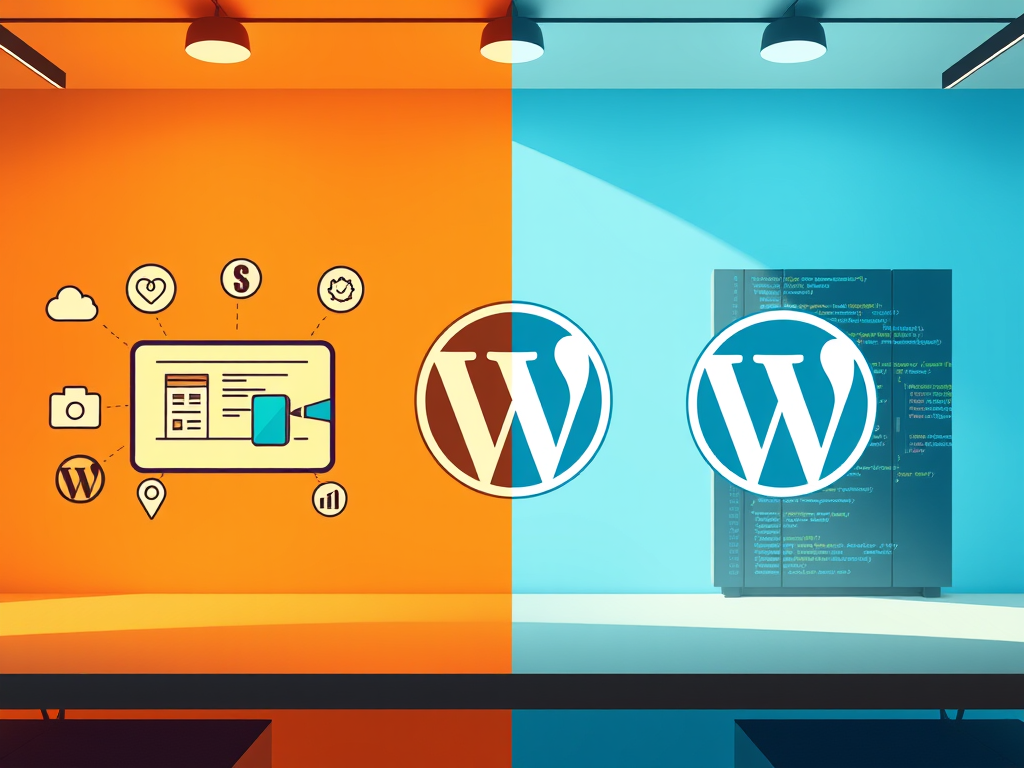
Choosing the right version of WordPress is not just a cosmetic decision. It can dramatically affect your experience, your learning curve, and your long-term success depending on your goals.
In this in-depth guide, we’ll break down the pros and cons of WordPress in both its hosted and self-hosted forms, explain the key differences between WordPress.com and WordPress.org, and show why WordPress.com has become the strongest starting point for beginners, creators, and growing businesses in 2026.
Table of Contents:
- What Is WordPress?
- A Brief History of WordPress
- How Affiliate Marketing Sparked WordPress Growth
- Pros of WordPress (All Versions)
- Cons of WordPress (and How to Avoid Them)
- Side-by-Side Comparison: WordPress.com vs WordPress.org
- Why WordPress.com Is the Best Starting Point
- Pros and Cons Based on Goals
- Bing SEO Considerations for WordPress Users
- Real-World Use Cases
- Final Verdict
What Is WordPress?
Before comparing pros and cons, it’s important to understand that WordPress exists in two distinct forms.
WordPress.com vs WordPress.org
WordPress.com
- Fully hosted, all-in-one platform
- Hosting, security, backups, and updates included
- Beginner-friendly setup
- Paid plans unlock advanced features and monetization
WordPress.org
- Self-hosted, open-source software
- Requires separate hosting and domain
- Full control and customization
- Ongoing maintenance and technical responsibility
If you want the full technical breakdown, see:
WordPress.com vs WordPress.org
🔗 Want the full breakdown? See WordPress.com vs WordPress.org
A Brief History of WordPress
WordPress began in 2003 as a fork of an earlier blogging project called b2/cafelog. Created by Matt Mullenweg and Mike Little, it was initially designed as a simple blogging tool.
Over time, WordPress evolved into a full content management system. Today, it powers over 43 percent of all websites on the internet, from personal blogs to major media outlets and enterprise platforms.
In 2005, Automattic, founded by Mullenweg, launched WordPress.com to make WordPress accessible to non-technical users. This created the dual ecosystem we have today:
WordPress.com for creators, businesses, and beginners who want simplicity
WordPress.org for developers and power users
How Affiliate Marketing Sparked WordPress Growth
WordPress rose alongside the growth of affiliate marketing and content-driven businesses.
Bloggers discovered they could publish consistently, optimize for SEO, and monetize content through affiliate links without writing custom code. WordPress made scaling content fast and manageable.
In 2026, WordPress.com simplifies this even further by offering:
- Built-in analytics
- Integrated SEO tools
- Fast global performance
- Fewer third-party dependencies
This makes it especially attractive for content creators focused on sustainable traffic and conversion rather than technical management.
Pros of WordPress (All Versions)
These strengths apply to WordPress as a whole, regardless of hosting model.
Massive Ecosystem
- Tens of thousands of themes and plugins
- Deep developer and creator community
- Integrations for ecommerce, analytics, SEO, and more
Flexible Use Cases
- Blogs and content sites
- Business and service websites
- Online stores and memberships
- Courses, events, and media platforms
SEO-Friendly Foundation
- Clean URL structures
- Strong content hierarchy
- Support for metadata, alt text, and optimization tools
Scalable
WordPress can support everything from a personal blog to a high-traffic commercial site when configured properly.
Mobile-Responsive Design
Modern WordPress themes adapt automatically to mobile and tablet screens, which is critical for both Bing and Google rankings.
Global Community
Documentation, tutorials, forums, and professionals are widely available.
Constant Improvement
WordPress is actively developed, with regular performance, security, and usability updates.
Cons of WordPress (and How to Avoid Them)
No platform is perfect. But most WordPress limitations come down to how it’s set up.
Site Speed Issues
Poor themes, bloated plugins, and low-quality hosting slow sites down.
How to avoid it:
Use performance-optimized hosting and themes. WordPress.com handles this automatically.
Maintenance Burden
Self-hosted WordPress requires constant updates, backups, and compatibility checks.
How to avoid it:
WordPress.com performs updates, backups, and monitoring in the background.
Security Vulnerabilities
WordPress is a common target because of its popularity.
How to avoid it:
WordPress.com includes enterprise-grade security, firewalls, and DDoS protection by default.
Side-by-Side Comparison: WordPress.com vs WordPress.org
Hosting
- WordPress.com: Included
- WordPress.org: Required separately
Maintenance
- WordPress.com: Fully managed
- WordPress.org: Manual
Cost to Start
- WordPress.com: Low
- WordPress.org: Medium to high
SEO Tools
- WordPress.com: Built-in
- WordPress.org: Plugin-based
Support
- WordPress.com: 24/7 expert support
- WordPress.org: Community forums
Best For
- WordPress.com: Beginners, creators, entrepreneurs
- WordPress.org: Developers, advanced users
Why WordPress.com Is the Best Starting Point
For most people in 2026, WordPress.com offers the best balance between power and simplicity.
Built-In Benefits
- No hosting or server setup
- SEO tools included
- Automatic updates and backups
- Strong performance and uptime
- Easy upgrades as your site grows
“I used to spend hours managing plugins and fixing errors. WordPress.com gave me all that time back, and my site runs faster than ever.” — Ashley, wellness coach and blogger
“We moved our store from self-hosted WordPress to WordPress.com, and it was the best decision we made. We stopped worrying about tech issues and focused on growing sales.” — Ben, outdoor gear seller
Pros and Cons Based on Goals
Blogging
| Pros | Cons |
| Easy publishing tools | Limited monetization on free plans |
| SEO built-in | Less plugin flexibility on lower tiers |
| Great writing experience | Some themes lack customization |
Small Business Website
| Pros | Cons |
| Fast setup | May outgrow free plan quickly |
| Secure and scalable | Limited integrations unless upgraded |
| Professional design templates | Pricing jumps for custom branding |
Affiliate and Content Marketing
| Pros | Cons |
| Great SEO capabilities | Less ad control on free plans |
| Reliable uptime | Requires Business plan for full plugin access |
Bing SEO Considerations for WordPress Users
Bing emphasizes clarity, speed, and structure.
WordPress.com aligns well with Bing’s ranking factors:
- Fast-loading pages via global CDN
- Mobile-first responsive design
- Built-in image compression
- Automatic SSL
- Clean block-based content structure
These features reduce technical SEO friction and support long-term discoverability.
Real-World Use Cases
Local Services
A therapist in Austin used WordPress.com to rank on page one for “anxiety therapy Austin” using clear service pages and SEO-friendly blog content.
Affiliate Income
A travel gear reviewer uses WordPress.com Business to publish comparison guides and ranks for long-tail search terms with consistent traffic.
Final Verdict
WordPress remains the most versatile website platform in 2026. Whether it feels empowering or overwhelming depends on how you use it.
- Choose WordPress.org if you want full control and enjoy managing technical systems.
- Choose WordPress.com if you want to focus on content, growth, and reliability without technical overhead.
For most beginners, creators, and small businesses, WordPress.com is the smartest place to start.
“Choose the platform that supports your creativity and scales with your ambition. For most, WordPress.com is the smart start.”
Leave a Reply